Google Search Console API: Quotas, Limits and What It Costs
The Search Console API is free and returns 25,000 rows per request instead of the 1,000 the interface exports. The official quotas, what the API adds over the web UI, and what it still will not give you.
By Richard Castro · August 16, 2026 · 9 min read
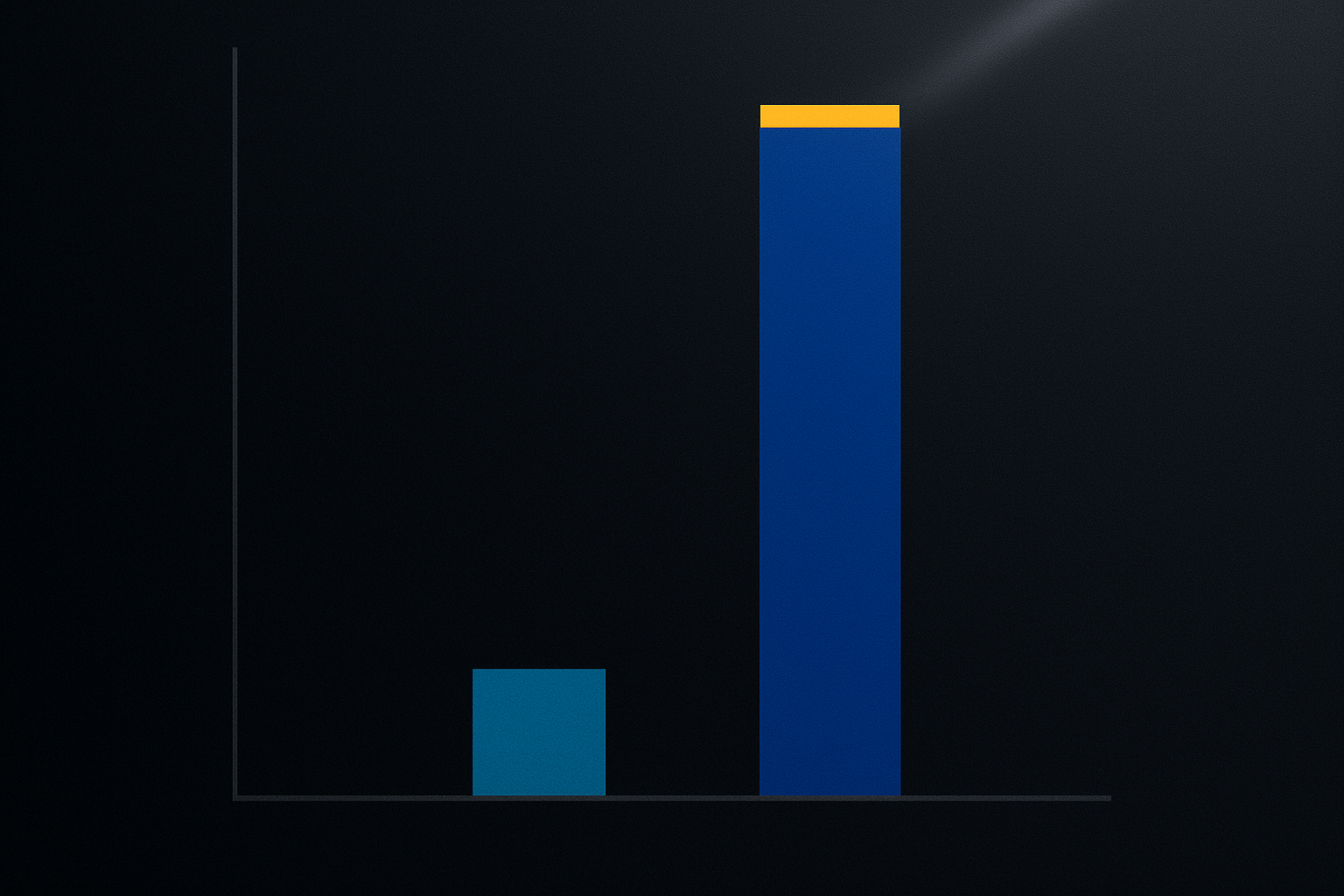
The Google Search Console API is free. There is no billing tier and no paid plan: what Google publishes are quotas, not prices. For Search Analytics the limits are 1,200 queries per minute per site and 1,200 per minute per user, and a single request returns up to 25,000 rows instead of the 1,000 the web interface exports.
A quota is a throttle, not an invoice. Exceed one and you get a 429, never a bill.
That row number is why most people go looking for the API in the first place, and it is the difference between analysing your data and analysing a sample of it.
Does the Google Search Console API cost anything?
No. Google does not charge for it and there is no billing account to attach. The official limits page lists quotas only.
You still need a Google Cloud project to create credentials, and that project can hold paid APIs, but the Search Console API itself is not one of them. Enabling it adds nothing to your bill.
What happens when you go over
You get an HTTP 429 and the request fails. Nothing is charged, nothing is queued, and the window resets on its own.
The practical consequence is that your code needs to expect it. A retry with exponential backoff turns a hard failure into a pause, and that alone is the difference between an export that finishes and one that dies halfway through a large site.
Official quotas, exactly as Google publishes them
Google splits the limits by resource, and they are not interchangeable. Read the row that matches what you are calling.
Search Analytics
| Scope | Limit |
|---|---|
| Per site | 1,200 QPM |
| Per user | 1,200 QPM |
| Per project | 30,000,000 QPD and 40,000 QPM |
For almost any real use these are generous. A full export of a large property is a few hundred calls, nowhere near 1,200 in a minute.
The per-user figure is the one to watch if you build a product on top. Several sites belonging to the same account share that ceiling, so the limit you hit first is rarely the per-site one.
URL Inspection
| Scope | Limit |
|---|---|
| Per site | 2,000 QPD and 600 QPM |
| Per project | 10,000,000 QPD and 15,000 QPM |
The 2,000 per day per site is the one that bites. If the plan was to inspect every URL of a large site daily, it does not fit, and no amount of parallelism changes that.
Everything else
Sitemaps and site resources run at 20 QPS and 200 QPM per user, with 100,000,000 QPD per project. These are the calls you make occasionally, so the ceiling rarely matters unless you are submitting sitemaps in bulk.
Load quotas, the limit nobody plans for
On top of the call counts, Search Analytics carries two load quotas: a short-term one measured in 10-minute chunks and a long-term one measured in 1-day chunks.
Load is about how heavy your queries are, not how many you send. A handful of very large requests with several dimensions and a wide date range can hit it while your QPM sits nowhere near the ceiling.
If you get throttled and your call count looks innocent, this is usually why. Narrowing the date range per request fixes it more often than slowing down.
The limit that actually matters: 1,000 rows vs 25,000
Export a Performance report from the interface and you get 1,000 rows. For a site past its first few months that is not a sample of your data, it is the tip of it, and the long tail you are cutting off is exactly where the unclaimed opportunities live.
The API's rowLimit accepts 1 to 25,000 and defaults to 1,000 if you leave it out. That default catches people: they call the API, get a thousand rows, and conclude the API has the same cap as the interface.
How to page through the whole set
Pair rowLimit with startRow, the zero-based index of the first row you want:
{
  "startDate": "2026-05-01",
  "endDate": "2026-08-01",
  "dimensions": ["query", "page"],
  "rowLimit": 25000,
  "startRow": 0
}
Ask for 25,000. If you get 25,000 back there are more, so raise startRow by 25,000 and repeat until a response comes back short. A response with fewer rows than you asked for is the end of the set.
One caveat worth knowing before you build a loop: the more dimensions you group by, the more rows exist. Grouping by query and page together can multiply the row count of a mid-sized site into six figures.
What the API gives you, and what it does not
The row limit gets the attention, but the reason to build on the API is usually one of these four.
More dimensions at once
You can group by country, device, page, query, date, hour and searchAppearance.
Combining query and page in a single call is the one that changes how you work. It tells you which page is actually ranking for which term, the join the interface makes you do by hand, one filter at a time. It is also how you spot two of your own pages competing for the same term, which is the starting point of any keyword cannibalisation audit.
Real filters, including regex
Dimension filters support contains, equals, notContains, notEquals, includingRegex and excludingRegex, with regex in RE2 syntax.
That is how you pull every query containing a question word, or every URL under /blog/ except the tag pages, in one request instead of a dozen exports.
Control over freshness
dataState takes final (the default, only finalised data), all (includes fresh, still-moving data) and hourly_all (an hourly breakdown with partial data).
If you are watching the effect of a change you shipped this morning, all is the one you want. If you are reporting to someone, final is, because fresh data revises itself and makes you look wrong a week later.
The hourly breakdown pairs with the hour dimension and is worth knowing about for one specific job: checking whether a deploy broke something. A page that stops earning impressions from a given hour onward tells you when, which is usually enough to work out what.
Search types beyond web
type accepts web (default), discover, googleNews, news, image and video. Discover in particular is easy to forget exists, and for publishers it can be a large share of traffic that never shows up in a web-only report.
What it still will not give you
Anonymised queries. Google withholds rare queries for privacy in the API exactly as in the interface. Your clicks and impressions totals will not add up from the query rows, and no amount of paging fixes it, because the rows are not there to fetch.
More than 16 months. That is the retention window. A longer history has to be one you store yourself, starting now.
Why a URL is not indexed, at scale. URL Inspection answers that one URL at a time, at 2,000 per day per site.
Anything about competitors. The API only ever returns data for properties you have access to. Every tool that claims competitor search data is estimating it from a third-party index, not reading it from Search Console.
Getting started
- Create a project in Google Cloud Console and enable the Search Console API.
- Create credentials. OAuth 2.0 to act as a user, or a service account that you then add as a user of the property inside Search Console.
POSTtohttps://www.googleapis.com/webmasters/v3/sites/{siteUrl}/searchAnalytics/querywith your JSON body.
The Search Analytics query reference has the full parameter list.
Common setup mistakes
Forgetting to URL-encode {siteUrl}. A domain property is written sc-domain:example.com and the colon has to be encoded. Most first-attempt 404s are this.
Creating a service account and never adding it to the property. The credentials are valid and the API still returns nothing, because that account has no access in Search Console. Add it as a user there, like a person.
Picking the wrong property type. A domain property and a URL-prefix property are different properties with different data. Query the wrong one and the numbers will not match the interface.
Requesting one enormous date range. It is tempting to ask for all 16 months in a single call. That is the fastest way to meet a load quota, and it makes retries expensive when one fails. Month-sized chunks are slower to write and far more reliable to run.
What to do now
If you only need your data out once in a while, you probably do not need the API at all. A no-code connector covers it, and the routes for Sheets, Looker Studio and Power BI are quicker to set up.
If you are building something that runs on a schedule, start with a single searchAnalytics/query call, get paging working before anything else, and add backoff on 429 from the first version rather than after the first failed export.
And if you would rather skip the plumbing, AnalySEO connects through this same API and does the paging for you, so the analysis runs over your full query set rather than the first 1,000 rows. It reads the data and tells you which pages to edit and which striking distance keywords are close enough to be worth it. You can connect a property free without a credit card.
Frequently asked questions
Is the Google Search Console API free?
Yes. There is no paid tier and no billing account to attach. Google publishes quotas rather than prices, so exceeding one returns a 429 error until the window resets, never a charge.
What are the Search Console API quotas?
Search Analytics allows 1,200 queries per minute per site and 1,200 per minute per user, plus 30,000,000 per day and 40,000 per minute per project. URL Inspection is capped at 2,000 per day and 600 per minute per site. Other resources run at 20 QPS and 200 QPM per user.
How many rows can the Search Console API return?
Up to 25,000 per request, against the 1,000 the web interface exports. The rowLimit parameter accepts 1 to 25,000 and defaults to 1,000, so you have to set it explicitly. Combine it with startRow to page through the full result set.
Where is the official Search Console API documentation?
The quota reference lives at developers.google.com/webmaster-tools/limits and the Search Analytics query reference, with every parameter, at developers.google.com/webmaster-tools/v1/searchanalytics/query.
Does the API return the queries Search Console hides?
No. Google withholds rare queries for privacy in the API exactly as in the interface, which is why your click and impression totals will not add up from the query rows.